Videos
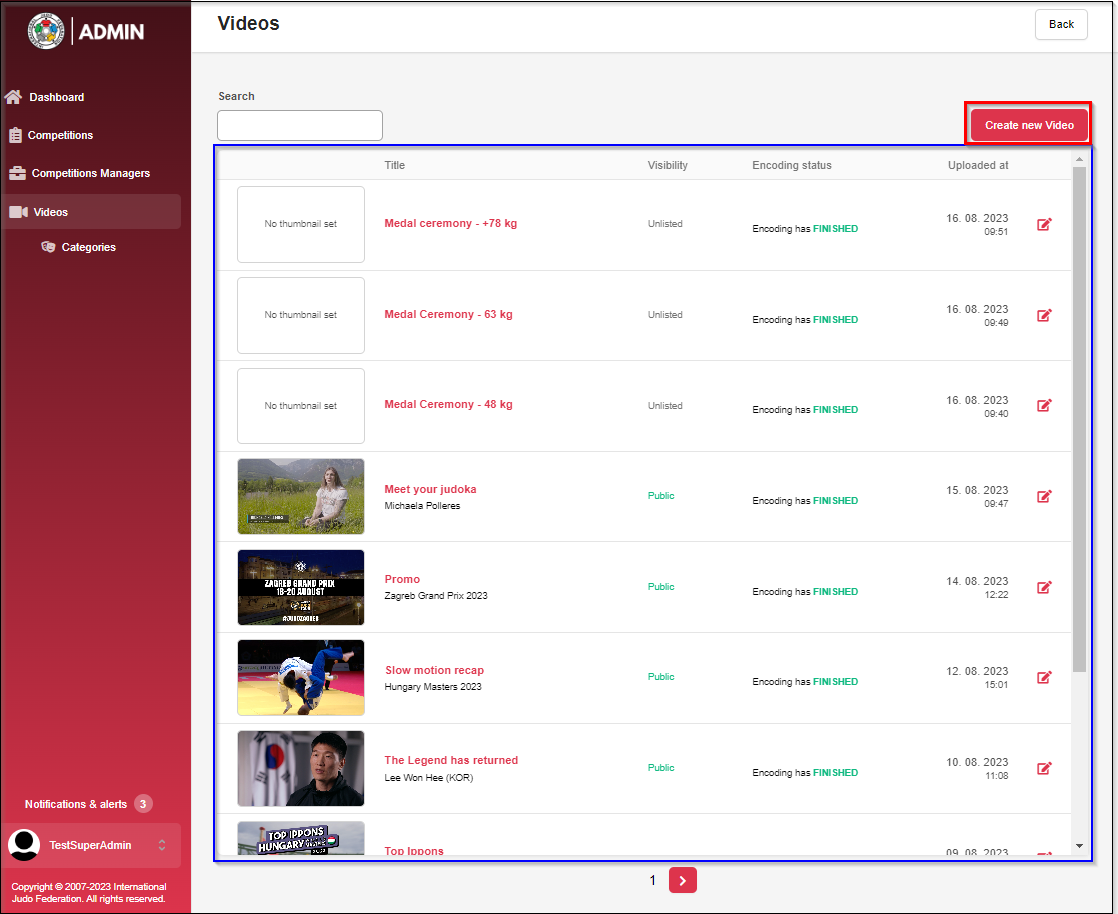
In the Videos tab, you can upload and edit videos that are displayed in the "Videos" section on JudoTV.
To add a video, click the red Create new Video button.
A list of all videos is always displayed in the table highlighted in blue.
Categories
In the Categories tab, you can add new video categories. Later, you can assign these categories to the uploaded videos.
Categories are shown in a table. To create a new category, click the red Create new Category button
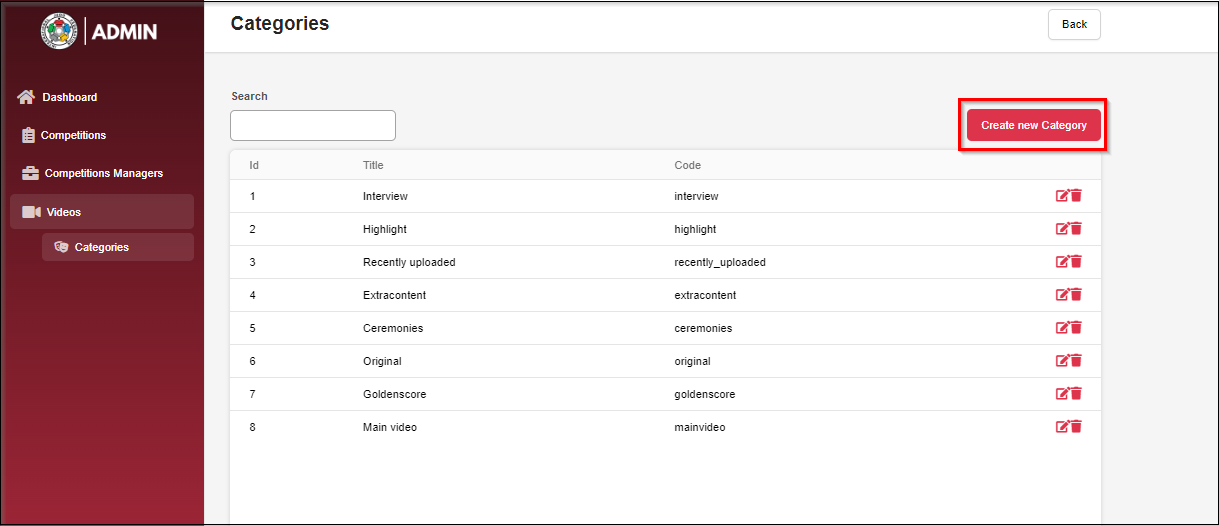
When creating a category, you can add the Title and Code for the category.
